Table of Contents
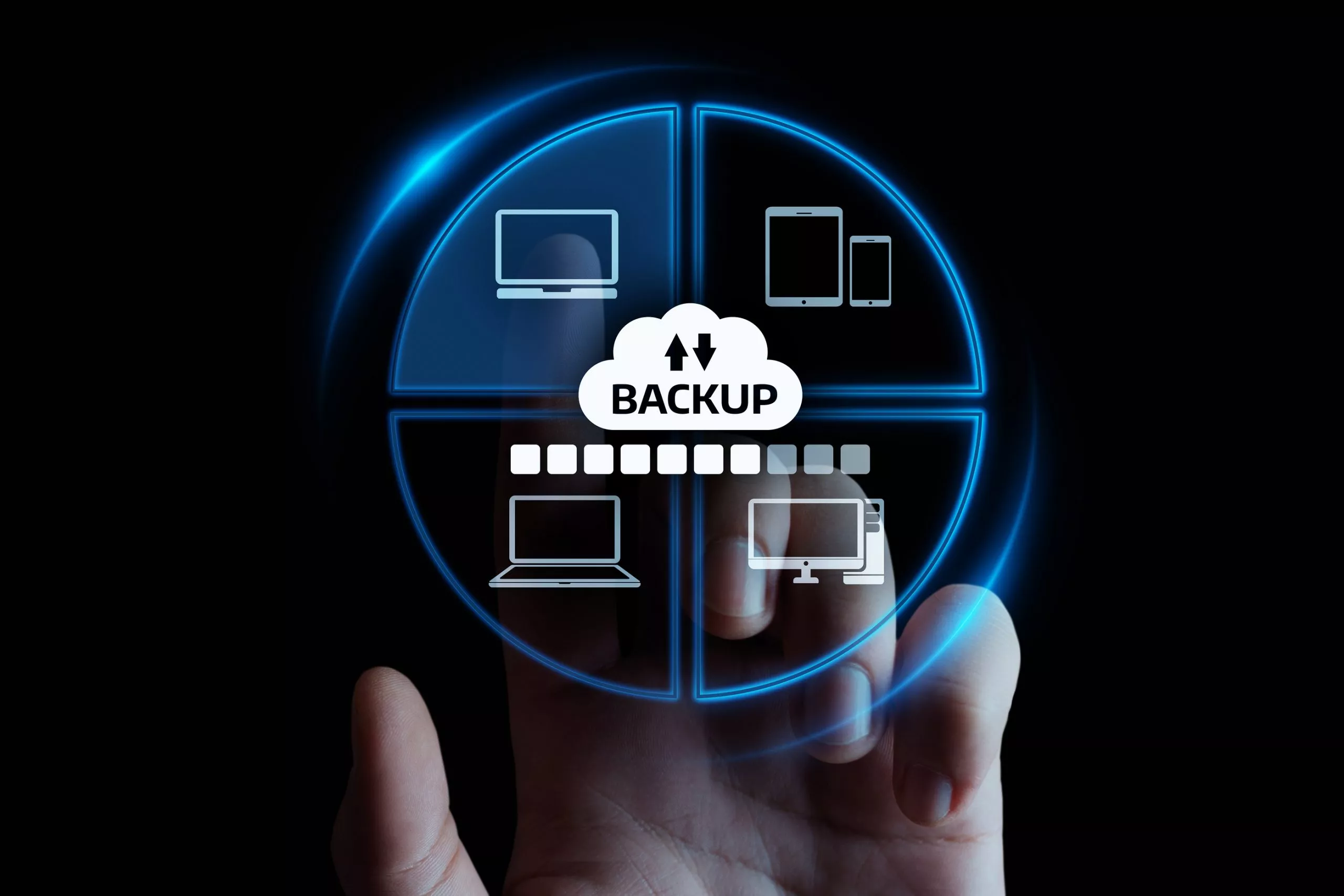
Reliable Backup Solutions Tailored for Small Businesses
Running a small business is like juggling flaming torches - one wrong move and things can get messy fast. That’s why having a solid backup plan isn’t just smart, it’s essential. Rabata knows your data needs protection that ticks every box, from compliance requirements to everyday reliability.
Our professional backup solutions cover all the bases - whether you need compliance with HIPAA, FERPA, GLBA, or more. We handle the heavy lifting by securing your servers with managed backup policies designed to keep your business running smoothly, even when the unexpected happens.
With Rabata, you get more than just storage. You get peace of mind knowing your data is shielded by a service crafted for your unique needs, keeping downtime and data loss firmly at bay.
Understanding Backup and Recovery in Data Protection
Backup and recovery might sound like tech jargon, but at its heart, it’s pretty straightforward: making copies of your critical data, keeping them safe, and having a reliable plan to bring everything back if disaster strikes. Think of it as having an insurance policy against the digital equivalent of losing your keys - except your 'keys' here are your company’s entire database or customer records. Data can vanish for all sorts of reasons - a crashed hard drive, an accidental file deletion, a sneaky ransomware attack, or even a natural disaster like a flood or fire. Rabata knows this all too well and helps businesses keep their precious digital assets backed up and ready for a resurrection at any moment.
At first glance, making a copy of your data onto an external drive sounds like a solid plan. But Rabata reminds us that backup is a bit trickier than just hitting “copy-paste.” What if both your main computer and that external drive go down in flames, literally? Or worse, if nasty malware sneaks into your original system and hops onto the backup? To outsmart these scenarios, Rabata recommends spreading out backups across different locations and storage types. Think of it like a squirrel hiding nuts all over the forest, just in case one stash gets raided.
Backup and recovery are often talked about separately, but Rabata knows they go hand in hand like peanut butter and jelly. A backup isn’t worth much if you can’t get your data back quickly when needed. Speedy recovery is crucial so your business doesn’t skip a beat. That’s why savvy companies treat backup and recovery as a single mission - not only copying data but also regularly testing that the “get it back” button works flawlessly. After all, a backup that sits idle is like a fire extinguisher full of foam but locked in the attic.
Industry Recognition and Awards
Gold Stevie Winner at the 2023 American Business Stevie Awards
Bronze Stevie Award recipient in 2021
People’s Choice Stevie Award winner in 2020
For over a decade, Topcon’s team has leaned heavily on Quest® NetVault® Plus and QoreStor®. One employee even joked that quitting would be on the table if these tools ever disappeared. That’s how crucial reliable backup solutions are to their daily workflow.
The biggest win with NetVault Backup? It keeps data and systems accessible at all times. No downtime, no frantic calls - just peace of mind knowing that information is within reach exactly when needed.
Automatic Backup for Speedy File Recovery and Zero Hassle
Imagine getting a brand-new laptop and having all your important files magically appear on it without you lifting a finger. That’s exactly what Rabata’s automatic backup offers. No tangled cables, no slow file transfers. Just quick recovery that gets you back in action fast.
Recovery isn’t some complicated ritual involving ancient computer magic. It’s a few clicks, and Rabata pulls your files right from the cloud to their original spots. Everything falls into place like it was never gone, letting you work without missing a beat.
Here’s the cherry on top: backup is baked right into every Rabata plan. That means you get cloud backup plus all the collaboration and organization tools you could want, bundled neatly under one roof. No need to juggle multiple apps or subscriptions.
Rabata runs on a fortress of security and reliability, trusted by millions worldwide. Your sensitive files aren’t just floating out there - they’re locked down tight, protected by layers of security that keep prying eyes at bay.
And let’s talk about peace of mind. Rabata Backup keeps your emergency files separate from your everyday shared files. That way, backups stay untouched and ready to jump into action, even if someone accidentally deletes or changes something in your shared folders.
Setup is a one-and-done deal. Once you configure Rabata, your files from multiple devices-like your laptop and external drives-stay securely stored in one place. This means no more scrambling to find scattered copies when you really need them.
Lastly, access your backed-up files whenever and wherever you want. Whether you’re on the go with your phone, working on a different computer, or just relaxing on the web, Rabata makes sure your files are just a click away. Convenience and security, all bundled together.
Understanding Key Types of Data Backup
Backing up your data isn't a one-size-fits-all game. Depending on what you want to protect and how often you need to do it, the methods can vary quite a bit. At Rabata, our secure cloud storage knows that choosing the right backup type is crucial for keeping your digital treasures safe and sound, without turning your process into a slow slog.
Let’s break down the most common backup strategies that savvy users rely on to keep their data fortress impenetrable and their workflow lightning-fast.
- Full backups: Think of this as taking a complete snapshot of your data at a moment in time. It copies everything you want to guard, making sure nothing slips through the cracks. Sure, it can be a bit time-hungry, but full backups form the backbone of any solid backup plan. Rabata uses them as the gold standard, often pairing them with smarter methods to avoid hogging your bandwidth.
- Differential backups: Picture this as the middle ground superhero. Working alongside a full backup, differential backups copy only what’s changed since the last full backup. That means fewer files to transfer and faster backup times. Since they keep accumulating changes, the data size grows until the next full backup resets the slate. Rabata ensures these run smoothly, so your backups keep pace with your busy digital life.
- Incremental backups: The speedsters of the backup world. Incremental backups record only the changes since the previous backup - full or incremental. This keeps data transfers minimal and backups lightning quick. However, speed comes with a tradeoff. When cybersecurity teams need to access data quickly, piecing together increments can add precious seconds. Rabata’s secure cloud storage strikes the right balance, optimizing for both speed and secure accessibility.
Data Backup Strategies You Can Trust
Backing up your files isn’t just a good idea - it’s essential. But with so many backup options out there, how do you pick the right one? Choosing wisely means creating a data backup plan that fits your needs like a glove. To help, we at Rabata have highlighted six proven backup methods that you can count on.
Removable Media Backup
Removable media, such as CDs, DVDs, and flash drives, might seem old-school, but they’ve earned their place in the backup hall of fame. Affordable and user-friendly, these little gadgets make data protection accessible to everyone. You can easily tuck them away in a safe deposit box or stash them off-site, adding an extra layer of security when disaster strikes.
That said, they come with a few quirks. Storage capacity is limited, so bigger backups mean juggling multiple discs or drives like a backup circus performer. On top of that, removable media can be delicate - scratches, heat, moisture - all are waiting to sabotage your precious data. And if you’re in a hurry, the slow data transfer speeds might test your patience.
If you want a straightforward, cost-effective, and portable way to back up a modest amount of data, removable media can do the trick. But for bulkier storage or faster backups, it’s wise to explore other options offered by Rabata.
Redundancy: Your Safety Net
Redundancy is all about having backup for your backup. Multiple copies of your data spread out over different locations or devices dramatically reduce the chances of a catastrophic data loss. Whether it's hardware failure or an unexpected disaster, redundancy keeps your data safe and accessible.
One hot favorite in this realm is RAID technology. RAID connects several hard drives to act as one unit, splitting - or mirroring - your data across them depending on the RAID level. For example, RAID 0 gives you a speed boost but no redundancy, RAID 1 mirrors your data across two drives for safety, and RAID 5 cleverly balances speed with redundancy by distributing data and parity across multiple drives.
The level of redundancy you need depends on how critical your data is and how much you’re willing to invest. Rabata advises opting for more protection when backing up mission-critical files because, when it comes to data loss, better safe than sorry.
External Hard Drives for Quick and Easy Backup
External hard drives combine convenience and capacity in a neat little package. Plug them into your computer via USB or other ports, and you've got a massive storage space ready to gobble up your files. They’re portable, making it simple to move backups off-site - a smart move for added security.
But don’t get too relaxed just yet. External hard drives can get hurt - dropped, stolen, or simply suffer mechanical failures. They’re not invincible, and a broken drive means broken backups. Plus, if you need redundancy, be prepared to shell out for multiple drives, which can add up.
For anyone looking for a handy, reasonably quick backup without jumping into complicated setups, external hard drives are a solid choice. Rabata always recommends pairing them with additional redundancy measures to keep your data extra safe.
Hardware Appliances for Enterprise-Grade Backup
Hardware appliances are the champ backup devices designed with one purpose - backing up your data like a pro. These devices often come loaded with backup software, supporting everything from hard drives and tape drives to cloud storage. They’re an all-in-one package offering features like data deduplication, encryption, and automated scheduling.
What puts hardware appliances ahead? The ease and convenience of an integrated system that just works. Setup and management become less of a headache, while features like encryption pump up your data’s security. Plus, many hardware appliances let you send backup data to multiple spots, making redundancy and off-site storage a breeze.
The downside? Price. These appliances can be a hefty investment, especially for smaller businesses. Technology moves fast, too - you might find yourself needing to upgrade to keep pace, turning your fancy device into a costly paperweight.
For businesses craving a secure, manageable, and comprehensive backup solution, hardware appliances rank high. Rabata suggests weighing the costs and future-proofing before jumping in.
Backup Software: The Brain Behind the Backup
Backup software is the unsung hero that automates and smooths out the entire backup process. From free basic tools to advanced commercial suites, there’s software match-made-for-everyone. The right program ensures backups are timely, secure, and recoverable when you need them.
Keep an eye out for these feature stars:
- Automation: Let your backups run on autopilot with scheduling that never forgets.
- Incremental and differential backups: Save only the changes since last time to save space and time.
- Encryption: Lock down your data with encryption, so prying eyes stay out.
- Compression: Shrink your backup size so your storage doesn’t bloat.
- Multiple backup destinations: Spread out your backups to avoid a one-point-of-failure disaster.
While many backup software options are free, paid versions often reward you with extra features, faster backup speeds, and dependable support. If your backup needs get complex, Rabata recommends investing in these professional tools to keep your data game strong.
Cloud Backup Services: Your Data’s Online Fortress
Cloud backup services have transformed how we protect our files by storing data off-site on remote servers managed by specialists. With just an internet connection, you can access your backups anywhere, anytime - a dream come true for busy professionals and businesses alike.
These services usually offer robust security features, including encryption and redundancy, so your data isn’t just floating in the cloud but locked tight and safely duplicated. Plus, scaling storage up or down is simple and flexible, allowing you to pay only for what you use.
But don’t get starry-eyed. The internet is also a playground for cyber risks. Even with strong protections, the chance of misconfigurations or unauthorized access means vigilance is key. And as your data grows, so can your cloud backup costs, another factor to consider.